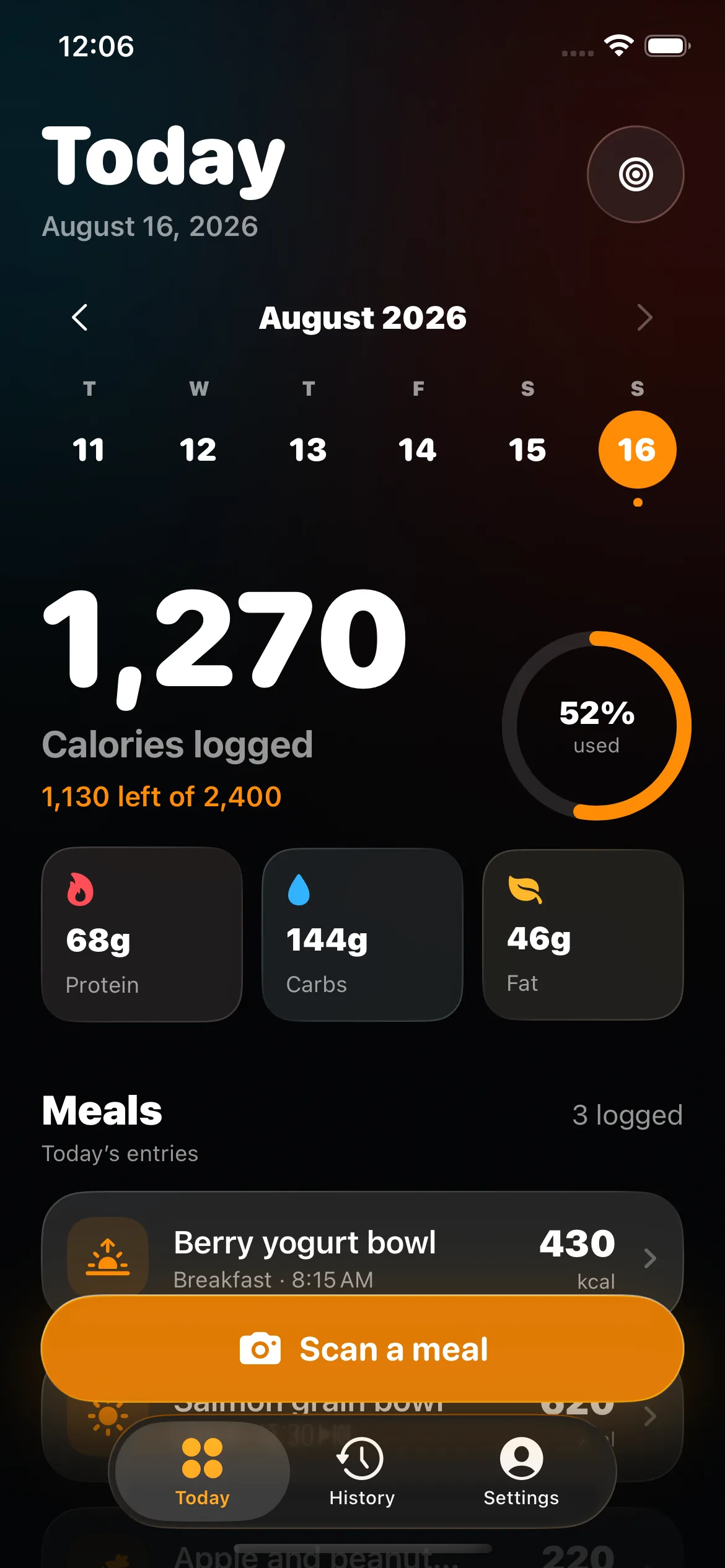
A barcode identifies a product; it does not measure your portion. Scanning can replace a broad food search with a specific candidate, but the database record and serving count still need confirmation. BiteHalo keeps both visible so a quick lookup does not quietly become the wrong meal.
What happens after you scan a food barcode?
The barcode acts as an identifier that can connect the package to a nutrition record. BiteHalo uses that match to fill in the product name, serving information, calories, and macronutrients. You can then compare the result with the package you are holding and choose how many servings—or what fraction of a serving—you consumed.
This is usually more specific than photographing the front of a package because visually similar products can have different formulations. Two yogurt cups may use the same colors while differing in size, flavor, sugar, or protein. The code narrows the match, but it still depends on the quality and freshness of the underlying record.
Why the physical Nutrition Facts label still matters
Products change. Manufacturers reformulate foods, release several package sizes, and sell different versions across markets. A database record may be older than the item on the shelf or may have been entered incorrectly. Compare the brand, complete product name, net weight, serving size, calories, protein, carbohydrate, and fat with the current package.
The U.S. Food and Drug Administration explains that nutrition values are generally shown for one serving and that eating two servings means consuming twice the listed calories and nutrients. The serving size is based on amounts people typically consume; it is not a personalized recommendation. Your log therefore needs both the correct record and the amount you actually ate.
Serving size is the most common final check
A successful scan can still produce a wrong total when the serving count is left unchanged. A bag may contain two and a half servings, a cereal label may use cups and grams, and a drink may display both per-serving and per-container columns. Confirm the unit first, then adjust the number.
If you ate 45 grams and the record uses a 30-gram serving, enter one and a half servings or the weight directly when supported. If you ate half a package, check whether the database serving represents half the package, the whole package, or a household amount. Never assume “1” means one container.
What if the barcode match is wrong?
Do not keep a mismatched item because the scan completed successfully. Check whether another flavor or size was selected, whether the database is using a product from another country, or whether the label has changed. If the food cannot be corrected confidently, use the Nutrition Facts label as the source and create a manual entry.
A label photo can be the best fallback when the barcode is missing, damaged, or linked to a bad record. Enter the values exactly as shown for the stated serving and then set the number of servings. Give the saved item a clear name so you can recognize it later.
Barcode data and generic food data are different
USDA FoodData Central contains multiple data types. Foundation Foods provide analytical data and detailed metadata for basic foods, while Branded Foods contain information supplied through food-industry data providers. Those records serve different purposes and can be updated on different schedules. The closest match depends on whether you are logging a generic ingredient or a specific packaged product.
Use the branded entry for the package in your hand when it matches the label. Use a suitable generic or foundation entry for an unbranded basic food. Do not select a branded product simply because its calorie number looks preferable; select the record that best represents the food.
When a barcode is better than a photo
Choose the barcode for protein bars, yogurt, bottled drinks, frozen meals, cereal, packaged bread, sauces, and similar branded foods. The exact product record can capture formulation differences that a camera cannot infer from appearance.
Choose a photo for a mixed restaurant plate, a meal assembled from several ingredients, or food without packaging. For a lunch containing a packaged drink and a homemade sandwich, scan the drink and use photo or voice for the sandwich. See the full trade-offs in our food logging methods comparison.
Build a reliable repeat-food library
After you confirm a packaged food, save it so future entries require less work. Check the label again when the package design, size, or formulation changes. A familiar name in your history is convenient, but the physical package remains the better evidence when the two disagree.
Give custom entries specific names such as brand, flavor, and serving form. “Protein bar” is easy to confuse; “Brand chocolate protein bar, 55 g” is easier to verify. Clear names also make correction history more understandable.
A five-point barcode check
- Identity: confirm brand, product, flavor, and market.
- Package: confirm net quantity and whether the container has multiple servings.
- Label: compare serving size, calories, and major macros.
- Amount: enter what you ate, not the default database amount.
- Save: keep the corrected item for repeats and recheck it when the package changes.
Specific does not mean medically exact
A matched package generally supplies stronger product evidence than a visual estimate, but label values use regulatory conventions and rounding. Database records can also lag behind a current label. Treat the result as a practical consumer record, not laboratory analysis.
For allergies, medication, disease management, pregnancy, or another situation where an incorrect nutrient value could cause harm, use verified product information and appropriate professional guidance. BiteHalo’s role is to make everyday logging faster while keeping the source and serving assumptions visible.