01
Capture
Take a photo, speak naturally, scan a barcode or label, or enter a known total.
AI nutrition without the friction
Log calories and macros from a meal photo, your voice, a barcode, or a nutrition label. BiteHalo gives you a clear first estimate, then keeps every detail editable.
One app, your way
Food tracking works better when the method fits the meal. Start with the fastest useful input, check what BiteHalo found, and save a log you still control.
Take a photo, speak naturally, scan a barcode or label, or enter a known total.
Review the foods, serving sizes, calories, and macros. Edit anything that needs context.
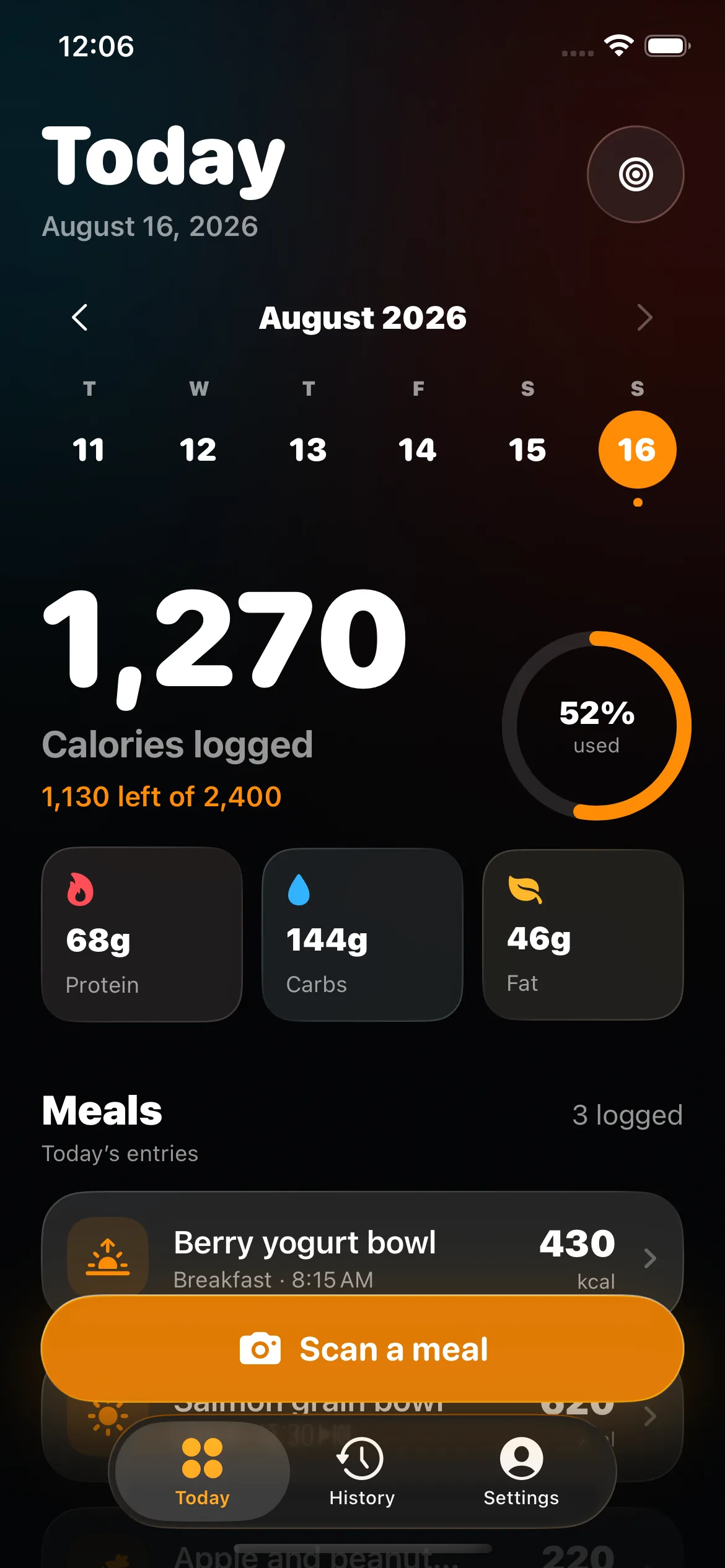
Save the meal and see your daily calorie and macro halo update at a glance.
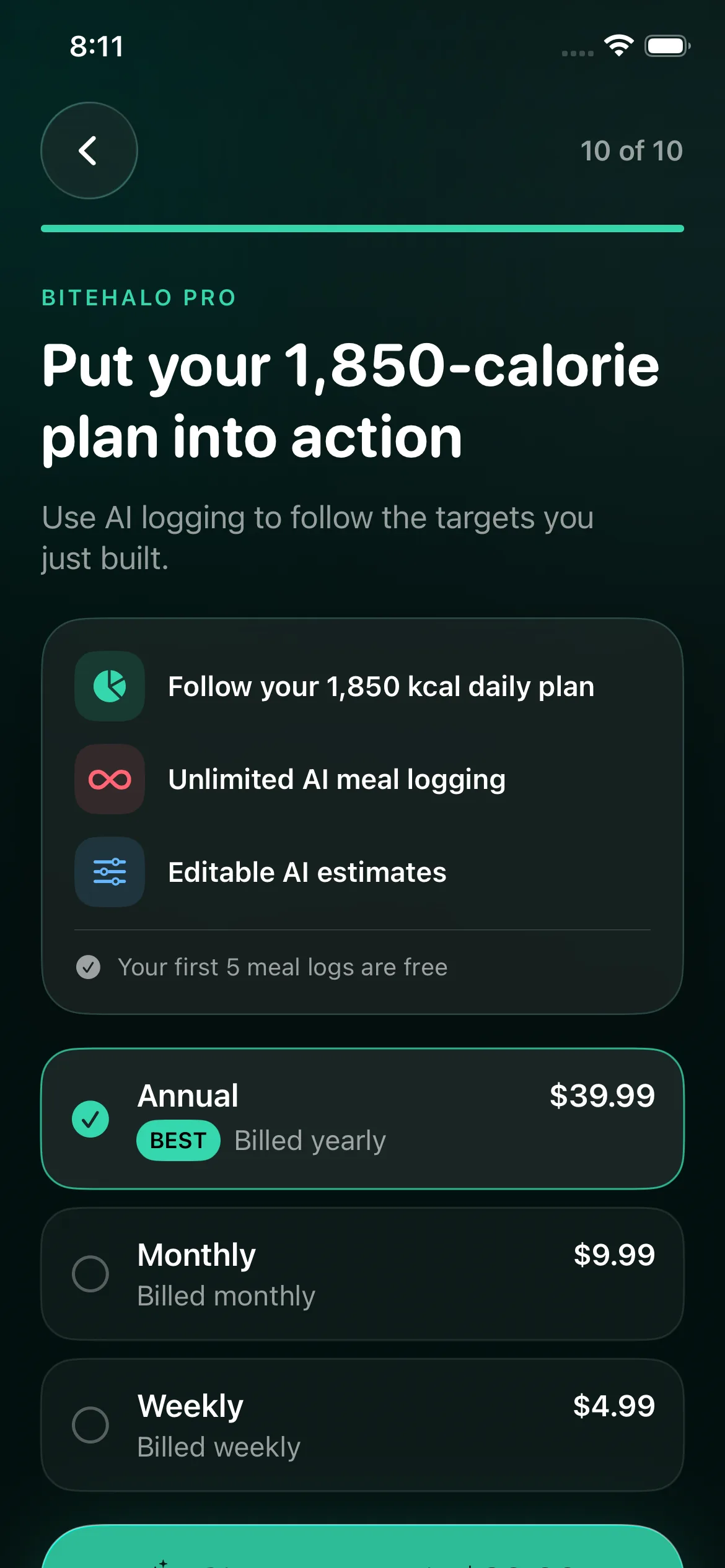
Your first five meal logs are free. BiteHalo Pro unlocks unlimited logging.
Flexible by design
A package has different evidence than a restaurant plate. BiteHalo lets you choose the method that matches what is in front of you and combine details when one input is not enough.
Capture a mixed plate in seconds. BiteHalo identifies visible foods and creates an editable nutrition estimate.
Explore this workflow →02Say what you ate in ordinary language. Add amounts or preparation details when you know them.
Explore this workflow →03Use product-specific information for packaged food, then confirm the serving size against the package.
Explore this workflow →04Change foods, amounts, calories, or macros before saving. A fast first pass never locks you into the first answer.
Explore this workflow →Not sure where to start? Compare photo, voice, barcode, label, and quick-add food logging.
The product, not a promise
BiteHalo gives each meal a place in the bigger picture. Review daily calories and macros, revisit logged meals, and decide when unlimited AI logging fits your routine.
Estimate, then verify
Food photos are convenient, but they cannot reveal exact weight, hidden cooking oil, or every ingredient in a mixed dish. Barcode records and labels can also be misread when the serving amount does not match what you ate.
BiteHalo keeps the food list, portion, calories, and macros editable before you save. Use the evidence you have—a package label, known recipe, or measured amount—to improve the estimate without rebuilding the whole meal.
Read what research says about AI calorie accuracyPractical guides
Learn how portions, labels, photos, and corrections affect a calorie estimate. Every guide links to its sources and states what the evidence cannot prove.
Use serving sizes, nutrition labels, photos, and quick corrections to build a calorie log that is consistent enough to be useful.
9 min read →AI nutritionResearch shows why photo calorie estimates are useful starting points, where errors happen, and which details make an estimate easier to review.
8 min read →Tracking methodsCompare five meal logging methods by speed, detail, and best use case, from packaged foods to home-cooked meals, with clear review tips.
8 min read →Home cookingCalculate calories in homemade food from ingredients, cooked yield, and the portion you eat, with or without weighing every plate.
10 min read →Eating outUse official nutrition facts, meal components, portion estimates, and practical ranges when a restaurant recipe is unknown.
10 min read →AI nutritionLearn why camera angle, bowl depth, food density, and hidden ingredients can distort photo calorie estimates and how to improve the result.
10 min read →Straight answers
BiteHalo is an AI food logging app for iPhone. It turns a meal photo, voice description, barcode, nutrition label, or quick entry into a calorie and macro log you can review and edit.
No. Photos cannot reveal every ingredient, recipe, or exact portion. BiteHalo treats photo analysis as a starting estimate and keeps the result editable so you can add what the image cannot see.
Use a barcode or Nutrition Facts label for packaged food, a photo for a mixed plate, voice for a meal you can describe, and quick add when you already know the totals. You can combine methods and correct the result.
Yes. Review the estimate before saving and adjust the food, serving size, calories, protein, carbohydrates, or fat when you have better information.
No. BiteHalo provides general informational estimates and is not a medical device. Consult a qualified professional for medical conditions, allergies, eating disorders, pregnancy, medication, or individualized dietary decisions.